This article covers how to create a File Transfer Protocol (FTP). First log into your cPanel on your account that you want to create the FTP. 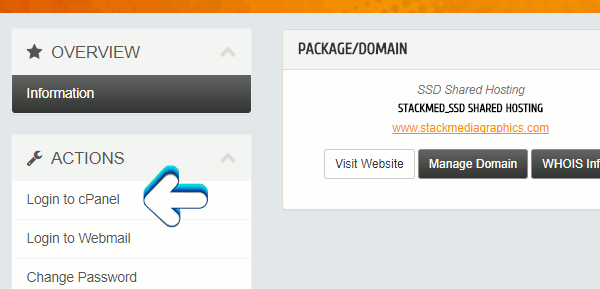
If you're not sure how to you can follow our article on how to login into cPanel.
https://www.stackmediahosting.com/index.php/knowledgebase/1/Login-into-cPanel.html
Under the FILES section click on FTP accounts. Fill in all account information. Keep this information stored somewhere for future use. For the login field, also save the URL extension as part of your login. You will see the extension to the right of the field.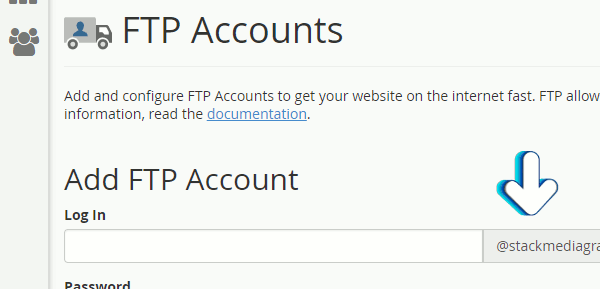
Arthor: Jesse Lange