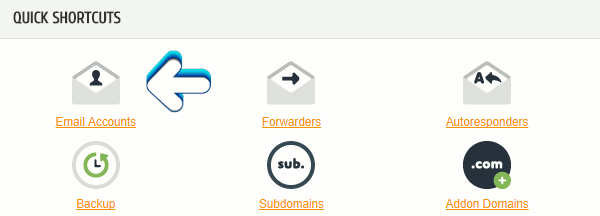
Alternatively below QUICK SHORTCUTS there is a section called QUICK CREATE EMAIL ACCOUNT
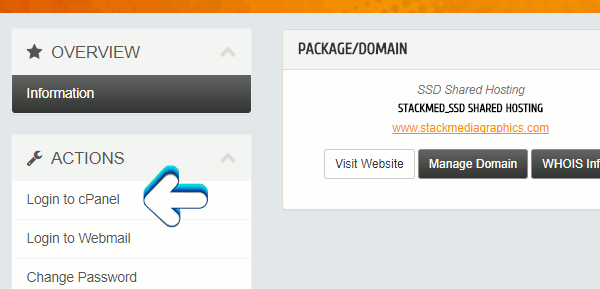
Also you can create an email account by logging into your cPanel account. If you're not sure how to do that follow these instructions - https://www.stackmediahosting.com/index.php/knowledgebase/1/Login-into-cPanel.html
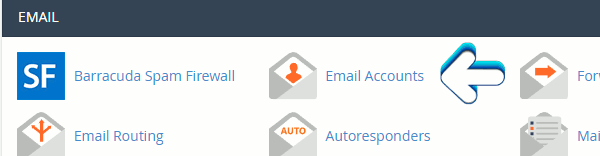
Scroll down to until you see the email section. Click on Email Accounts.
Creating an account is fairly self-explanatory. Once done you can log into your email by adding webmail to the end of your URL. For instance example.com would become example.com/webmail. If you wish to you can set up your email to forward all your emails to an email of your choice like Hotmail or Gmail. Visit our documentation on how to do this - https://www.stackmediahosting.com/index.php/knowledgebase/5/Forward-all-emails-from-cPanel-Webmail.html
cPanel includes three standard Webmail applications: Horde, Roundcube, and SquirrelMail. Once logged in you will be presented with these webmail applications to choose from as your default app. There's no wrong choice it is a personal preference. To learn more and what app you should choose please visit cPanel documentation on Webmail Apps
Author: Jesse Lange