This article shows how to setup a Google reCAPTCHA for your website to significantly prevent spam robots from sending junk emails from your website's contact forms.
First go to Google's page to create an API Key. You must be signed into a Google account or create one.
https://www.google.com/recaptcha/admin#list
Next choose what type of reCAPTCHA you want your website's contact forms to have.
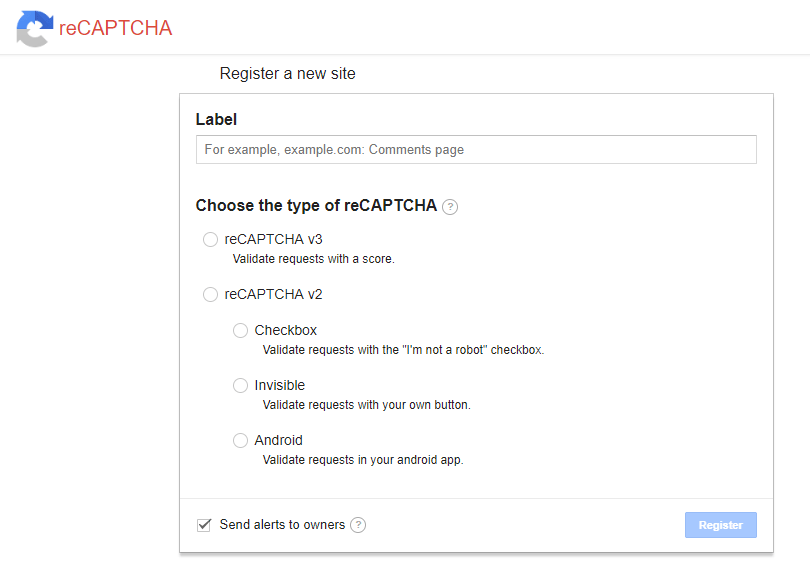
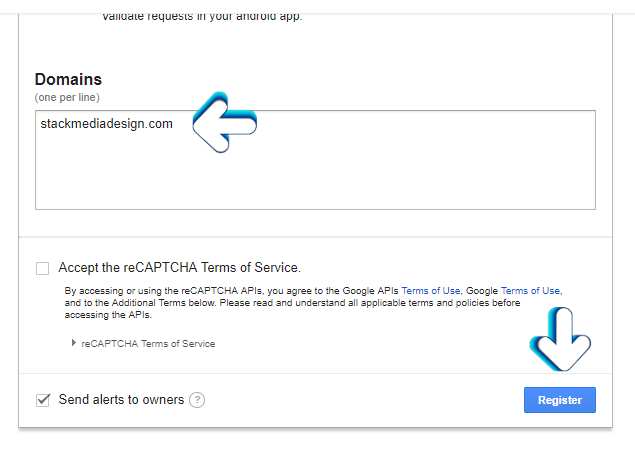
Next input your website's base domain. You do not put in the www. or http// just the domain name followed by a period and the domain's TLD - .com for example. After that check the box that you agree with the terms of service and click Register.
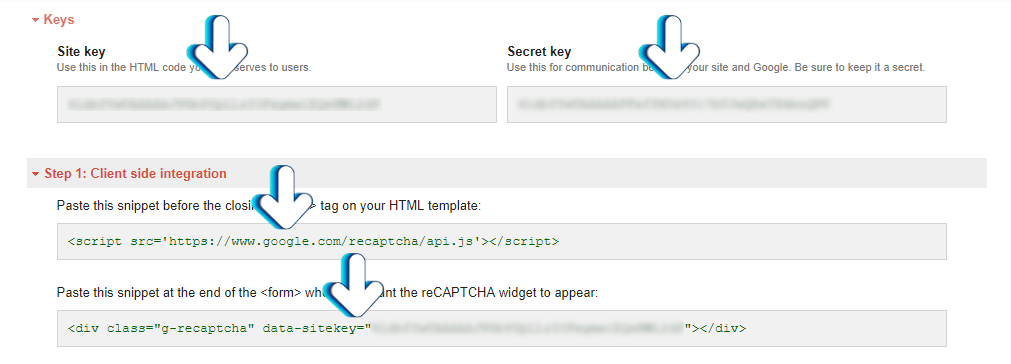
Finally on the next page scroll down and you should see the code and API Keys to use on your website and move forward with integrating reCAPTCHA with your website's forms.
AUTHOR: Jesse Lange