To install a theme manually first you will need to download a theme of your choice. There are a number of ways to do this. Use a search engine or go to https://wordpress.org/themes. You can also go to our downloads page. We have a library of some of our favorite WordPress themes ready for one click download.
https://www.stackmediahosting.com/index.php/download/category/2/WordPress-Themes.html
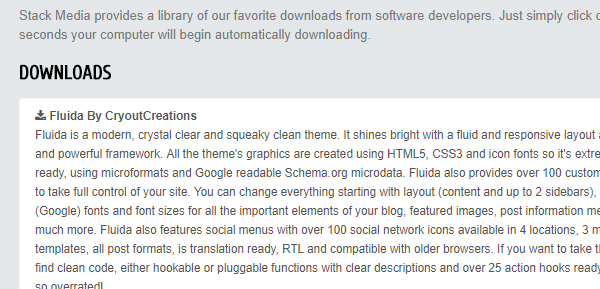
Click on the theme of your choice. The download will begin automatically and usually only takes a few seconds to begin and less than 20 seconds to fully download. No matter where you download the theme from you should get a zip file of the theme. Make note of where the theme was downloaded on your computer. Now log into your WordPress dashboard. Click on appearance in the left-hand navigation. This brings you to the WordPress Themes page. Then click on Add New. From there click on Upload Theme. Finally click on the Choose File button and select the zip file of your theme that you downloaded.
To upload a theme through the WordPress dashboard on the add theme page just scroll down and you'll see a wide selection of themes to choose from. Notice that WordPress provides a nice selection of options to filter your search. Take advantage of this it can be very helpful.
Author: Jesse Lange